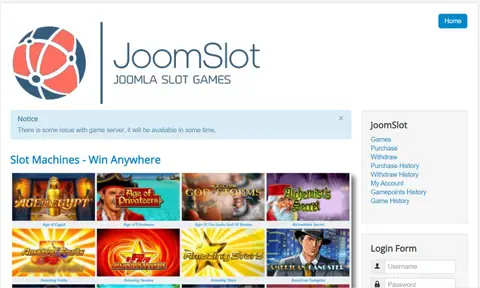
Guides · Setup guide
JoomSlot installation: upload, API key, then the Options screen
Three steps in the old manual: upload the package, request an API key, paste the key and game server URL into Options. Kept as an archive; the keys no longer exist.
Archived product JoomSlot is no longer offered. Downloads, API keys, the game server and support are gone, so this page describes how version 1.0 worked in 2021.
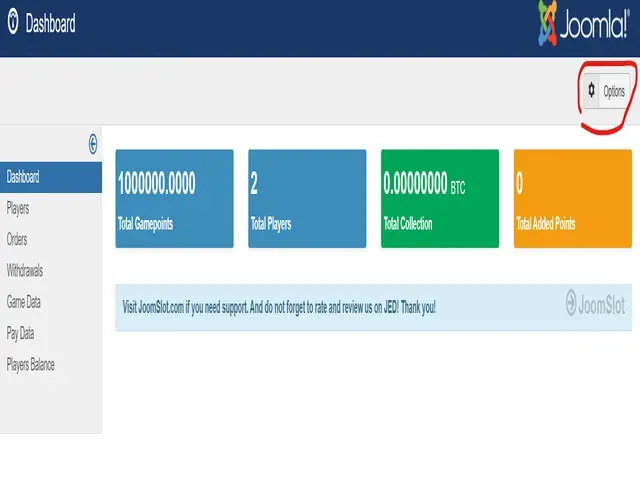
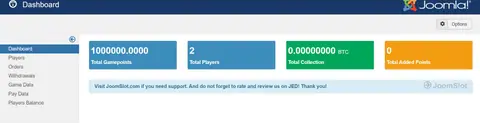
The dashboard in the hero shot is what a fresh JoomSlot install looked like once it had its settings: four coloured boxes, a million game points on the account, two players, nothing collected yet, and a red circle round the Options button in the top-right corner. Getting there took three stages in the old manual. None of it can be repeated today, since the download and the API keys are gone, but this is how it went.
Requirements and upload
The stated requirements were short: a working Joomla 3.x site and sendmail, so the site could send mail. For an existing Joomla site with lots of users, the manual advised installing on a new sub-domain instead. That was sensible advice, because a component handling money and game balances has no business sharing a user table with a busy community site.
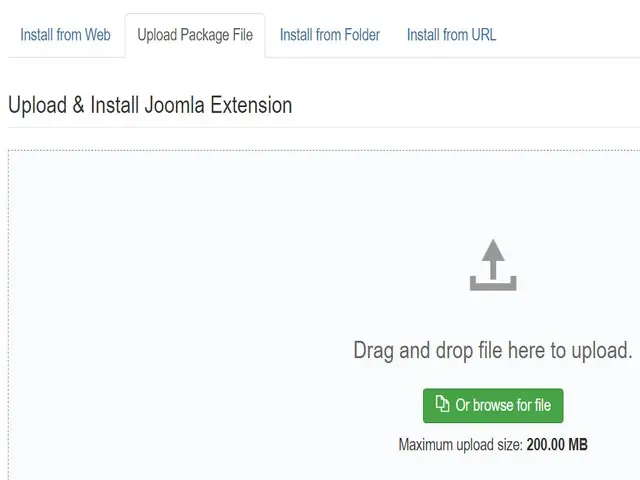
The package came from the download page (member login required). You installed it the normal Joomla way: Extensions > Manage > Install, the Upload Package File tab, then drop the zip on the box or browse for it. The screen shows a 200 MB upload limit on that server.
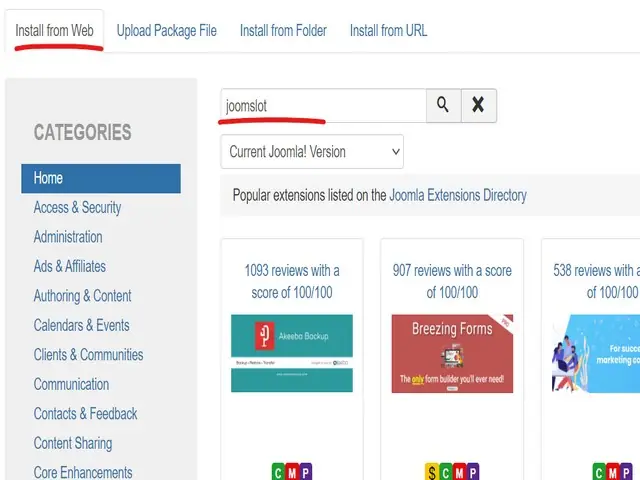
The manual also offered Install from Web with a search for "joomslot". In its own screenshot the search box says joomslot but the page below only lists the directory's popular extensions (Akeeba Backup, Breezing Forms). I don't think JoomSlot was ever in the Joomla Extensions Directory, so upload was the route that counted.
The API key
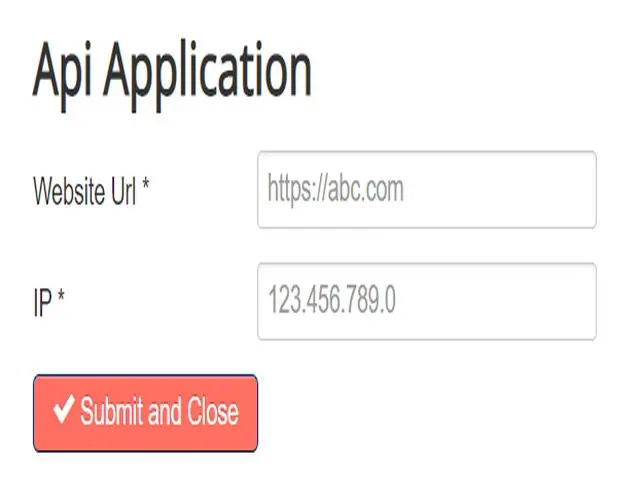
After installing, the component was an empty shell. You applied for a JoomSlot API key with a two-field form: Website Url and IP (your server's address), then Submit and Close. Keys were free and were sent back by e-mail. That service no longer exists.
Options
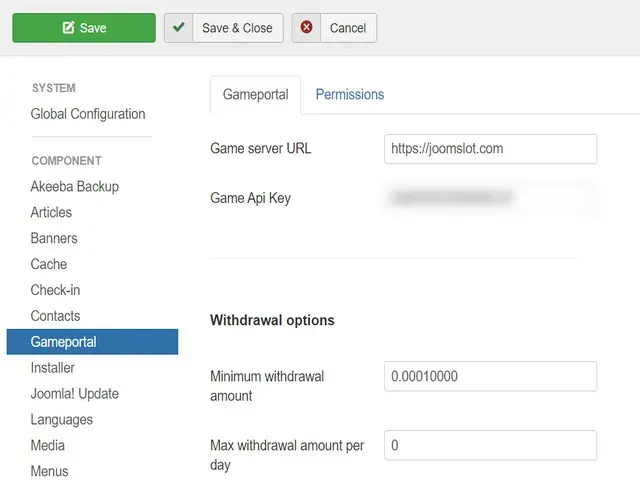
With the key in hand you went to Components > JoomSlot, clicked Options and filled in the Gameportal tab: Game server URL and Game Api Key. Under Withdrawal options sat the player limits, with a minimum withdrawal of 0.00010000 and a max withdrawal amount per day of 0 in this screenshot. Those were the 2021 defaults; the minimum matched the smallest payout BTCPay would handle.
That was the whole install. The Kickstart setup guide covers the bundled package that did all this on a new server, and the backend guide explains the screens behind the dashboard. The full list is under guides, and the JoomSlot product page has the background. Anyone who only wanted to play would need to get a game ID from a platform that's still running.
Gambling is 18+ only and restricted in Malaysia. Pick a limit before you play; see responsible gaming.
Questions people asked
Could you install JoomSlot with Install from Web?
The old manual said to search for 'joomslot' under Install from Web, but I found no evidence it was ever listed in the Joomla Extensions Directory, and the screenshot of that search only shows the directory's popular extensions. Uploading the package was the method that worked.
Why did the component show no games after installing?
It needed a game server URL and an API key in its Options. Without them the lobby had nothing to load. The keys were issued by joomslot.com, and that service has closed.
Slot games are real-money gambling for adults 18+, and online gambling is restricted in Malaysia. Set a limit before you top up. Responsible gaming.